
Many businesses still see SharePoint as the place where the company intranet lives. That is a small part of what the platform can do. Modern SharePoint development covers custom workflows, controlled document systems, client and vendor portals, and AI-ready content libraries. It is also changing fast: several legacy features were retired in 2026, so teams that have not reviewed their setup may be running on borrowed time. This guide covers five powerful uses of SharePoint development: custom workflows, document control, portals, AI readiness and industry-specific solutions.
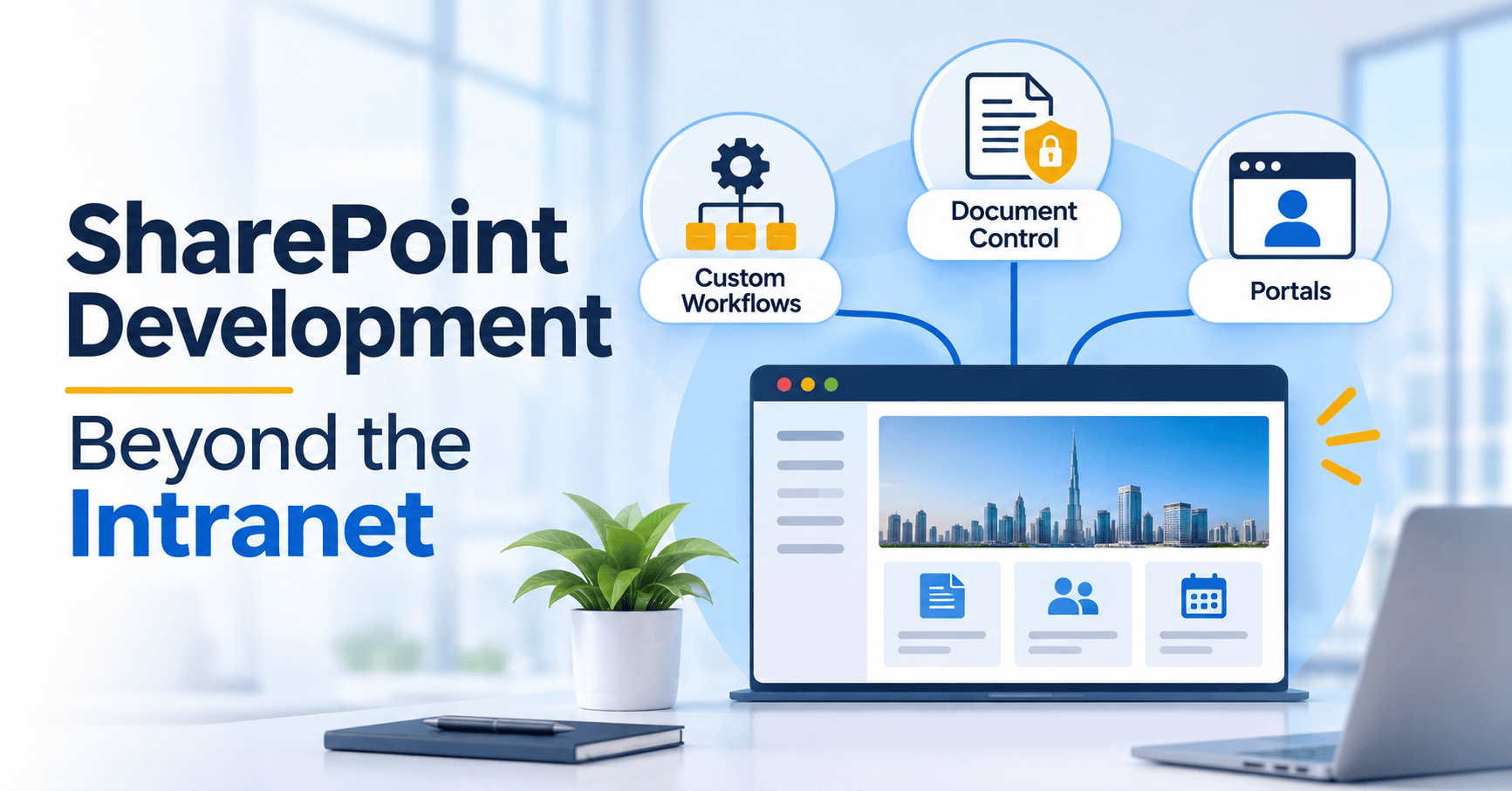
Table of Contents
- What SharePoint Development Covers Today
- Custom Workflows After the 2026 Retirements
- Document Control and Compliance
- Portals for Clients, Vendors and Employees
- Getting SharePoint Ready for AI and Copilot
- Industry Use Cases
- When Custom SharePoint Development Makes Sense
- Common Mistakes to Avoid
- Frequently Asked Questions
What SharePoint Development Covers Today?
SharePoint development is the work of configuring and extending SharePoint so it fits how your organization actually operates. In practice that means three layers:
- Configuration: sites, libraries, content types, permissions and views, set up without code.
- Automation and apps: Power Automate flows for processes and Power Apps for custom forms.
- Custom code: SharePoint Framework (SPFx) web parts and extensions for anything the standard tools cannot do.
A 2026 migration guide maps this clearly: Power Automate handles workflows, Power Apps replaces custom forms, and SPFx handles code-level customization. Good SharePoint development chooses the lightest layer that solves the problem, because simpler solutions are cheaper to maintain.
Custom Workflows After the 2026 Retirements
This is the most urgent part of SharePoint development right now. According to Microsoft, SharePoint 2013 workflows were fully retired in SharePoint Online on April 2, 2026, with no option to extend. Microsoft’s recommended replacement is Power Automate, which connects to Microsoft 365 services and over 700 other services. SharePoint Designer 2013 also reached the end of extended support on July 14, 2026, and a 2026 retirement roundup notes that SharePoint Add-ins stopped working in SharePoint Online on the same April date, so they must be migrated to SPFx or replaced.
If your business still depends on an old approval chain, a leave request process or an automated notification, it needs attention now. A typical modernization project:
- Inventory every legacy workflow, add-in and custom form.
- Prioritize by business impact and how often each is used.
- Rebuild them as Power Automate flows, Power Apps forms or SPFx components.
- Test with real users before switching off the old process.
Modern SharePoint development also improves on the old model. Flows can include approvals, conditions, schedules and links to other systems, so a single process can span SharePoint, email, Teams and your finance or CRM tools. Our team can help through our custom software development services.
Document Control and Compliance
Document management is where SharePoint development has long been strongest. The platform provides versioning, check-in and check-out, metadata, content types, retention and granular permissions, which is the core of a document management system. The value comes from setting these up consistently.
What good document control includes:
- Content types and metadata: standard templates and required fields for each document type, such as contracts, policies and invoices.
- Versioning: version history lets you compare and restore earlier versions. By default, SharePoint retains at least 500 major versions, a limit you can change.
- Retention labels: a default retention label can be applied to a library, folder or document set, so every document stored there inherits the same rule.
- Approval flows: drafts go through review before anyone outside the team sees them.
The hard part is consistency. SharePoint hands you these settings, but keeping them consistent across hundreds of libraries is manual work. Custom SharePoint development can automate that through site templates and provisioning, so every new project or department site starts with the right structure and compliance rules built in.
Portals for Clients, Vendors and Employees
An intranet is one kind of portal. SharePoint development can also deliver portals for people outside your core team:
- Client portals: a secure space where customers view project documents, approvals and status updates.
- Vendor and partner portals: onboarding documents, purchase information and shared files in one place.
- Employee service portals: requests for leave, equipment, IT help or expense approval, backed by workflows.
- Project and deal rooms: a controlled workspace for a single engagement, closed when it ends.
SPFx lets developers build custom web parts for these portals, such as dashboards, request forms or live data views from your other systems. Because SPFx uses a supported, versioned extension model, it is far safer than the older customization methods that Microsoft has now retired. For businesses that need a portal tied to ERP, CRM or finance data, this is where custom portal and ERP integration work pays off.
Getting SharePoint Ready for AI and Copilot
AI is now a practical reason to invest in SharePoint development. Per a September 2026 governance checklist, when a user scopes a Copilot prompt to a library or folder, Copilot has used that library’s column metadata alongside file content to constrain and rank answers since September 22, 2026. The same source notes that Purview retention policies can now archive inactive SharePoint files out of Copilot’s index, with rollout running through early November 2026.
SharePoint agents also answer questions grounded in site content, while respecting each user’s existing permissions and sensitivity labels. The practical lesson is simple: messy libraries produce messy AI answers. Clean metadata, flat folder structures and correct permissions now directly affect how useful AI tools are for your team. A developer who sets up good information architecture is preparing your content for AI at the same time.
Industry Use Cases
SharePoint development fits any business that runs on documents and approvals:
- Healthcare: policy libraries, staff credential tracking and controlled clinical documents. See our healthcare solutions.
- Fintech and finance: audit-ready records, approval trails and retention rules. See our fintech solutions.
- Logistics: shared shipment documents, vendor portals and compliance paperwork. See our logistics software.
- Manufacturing: controlled SOPs, quality records and supplier documents connected to ERP systems.
When Custom SharePoint Development Makes Sense
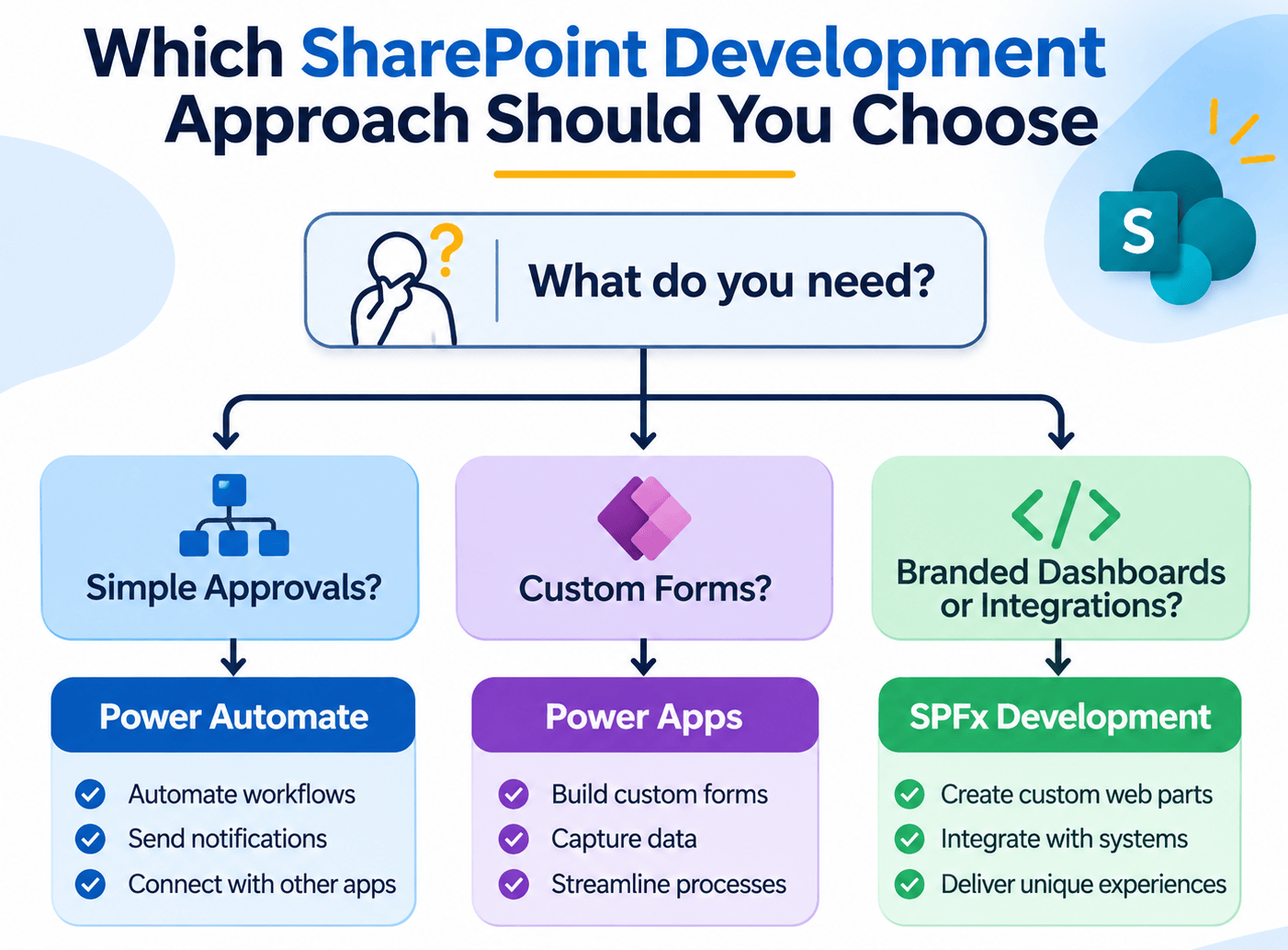
Not every need requires code. Use this simple guide:
| Your need | Best approach |
|---|---|
| Simple approvals and notifications | Power Automate, no custom code |
| Custom forms on a list | Power Apps |
| Branded dashboards, custom web parts, external data views | SPFx development |
| Standard document library with retention | Configuration, with a clean template |
| Migrating legacy workflows and add-ins | A planned modernization project |
If you need more than the standard tools offer, such as complex logic, integrations with your internal systems or a branded client experience, a custom SharePoint development project is worth the investment. If you are scoping a new build, our guide to MVP development in 12 weeks explains how to start small and validate before expanding. Businesses in the Gulf can also review the software development trends in the UAE that affect data and compliance decisions.
Common Mistakes to Avoid
- Ignoring the retirements. Old workflows and add-ins no longer run in SharePoint Online. Audit them before users report failures.
- Building everything in code. Power Automate and Power Apps handle many needs faster and are easier to maintain.
- Skipping information architecture. Deep folders, inconsistent metadata and loose permissions undermine both search and AI.
- No governance plan. Without ownership, naming rules and lifecycle policies, sites multiply and quality drops.
- Treating migration as copy and paste. Moving content without cleaning it simply moves the mess.
Start Your SharePoint Development Project With LP Technologies
LP Technologies delivers SharePoint development for businesses that want more from the platform: workflow modernization, document control systems, custom portals and SPFx solutions. Talk to our team about your project, review our case studies, or explore more articles on our blog.
Frequently Asked Questions
Q. What is SharePoint development?
Ans. SharePoint development is the configuration and customization of SharePoint to match your business processes. It includes site and library setup, Power Automate workflows, Power Apps forms and custom SPFx code for web parts and extensions.
Q. Are SharePoint 2013 workflows still supported?
Ans. No. They were fully retired in SharePoint Online on April 2, 2026, with no extension available. Microsoft recommends migrating to Power Automate or another supported solution.
Q. Can SharePoint be used as a document management system?
Ans. Yes. It provides version history, check-in and check-out, metadata and content types, retention and granular permissions, which together cover the core of a document management system.
Q. Is SharePoint only for intranets?
Ans. No. It also supports client and vendor portals, workflow automation, project workspaces and AI-ready content libraries, in addition to intranets.
Q. When should I choose custom SharePoint development over standard tools?
Ans. Choose custom development when you need branded experiences, complex logic or integrations with your internal systems. For simple approvals and forms, Power Automate and Power Apps are usually faster and cheaper.

Leave a Reply